
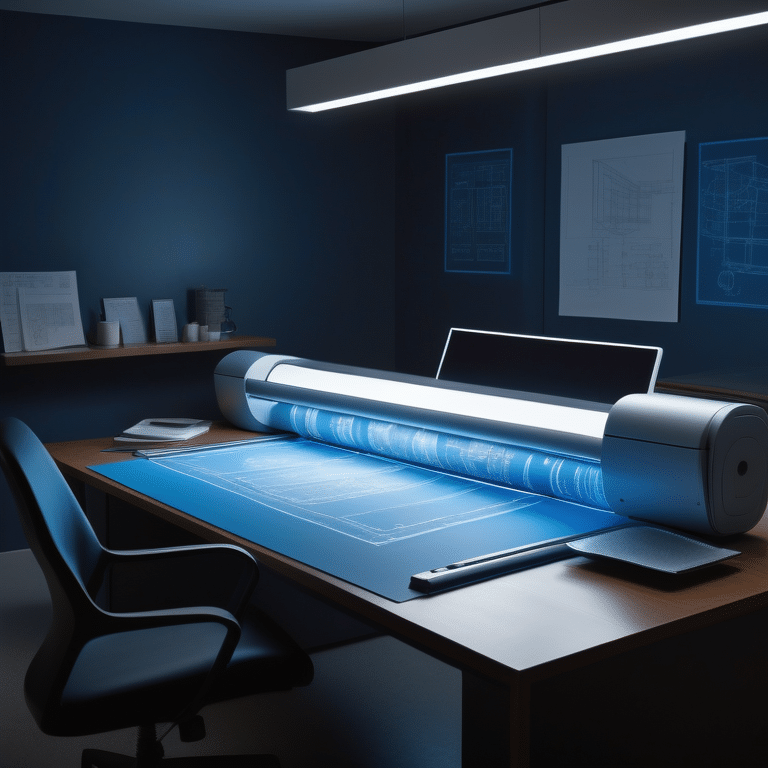

Affordable Blueprint Scanning Services: Key Highlights to Know
- Wide format scanners are essential for efficiently digitizing blueprint plans.
- Choosing the right scanner involves considering factors such as size, technology, resolution, scanning speed, and compatibility.
- Contex HD Ultra X and IQ Quattro X series are top picks for wide format scanners.
- Roll-fed scanners are more popular and efficient for blueprint scanning.
- CCD and CIS are the two types of technology used in wide format scanners.
- Optical resolution is the true resolution of the scanner.
- Scanning speed is an important factor in boosting productivity.
- Connectivity and compatibility with software are crucial considerations.
- Image enhancement features can optimize scanned images.
- Cost and maintenance should be taken into account when selecting a scanner.
Introduction
Wide format scanners play a crucial role in the architecture, engineering, and construction industries, as well as other fields that deal with large-format documents. These scanners are specifically designed to digitize blueprint plans, maps, and other oversized documents quickly and accurately. With the advancement in technology, manual methods of blueprint scanning have become obsolete, and high-quality scanners have taken their place in the process of digitization.
Choosing the right scanner for blueprint scanning can be a daunting task, as there are various factors to consider. Size, technology, resolution, scanning speed, and compatibility are some of the key factors that need to be taken into account. Additionally, image enhancement features, cost, and maintenance requirements should also be considered.
In this blog post, we will explore the key highlights of affordable blueprint scanner solutions and services. We will discuss the importance of choosing the right scanner, key features to look for in a blueprint scanner, the types of blueprint scanners available, and how to select the best scanner for your needs. We will also explore cost-effective scanning solutions, implementing your blueprint scanner, and maintaining it for longevity. Finally, we will address some frequently asked questions about blueprint scanning. Let’s dive in and discover the world of affordable blueprint scanner solutions and services.



https://cookiedatabase.org/tcf/purposes/
Understanding Blueprint Scanners
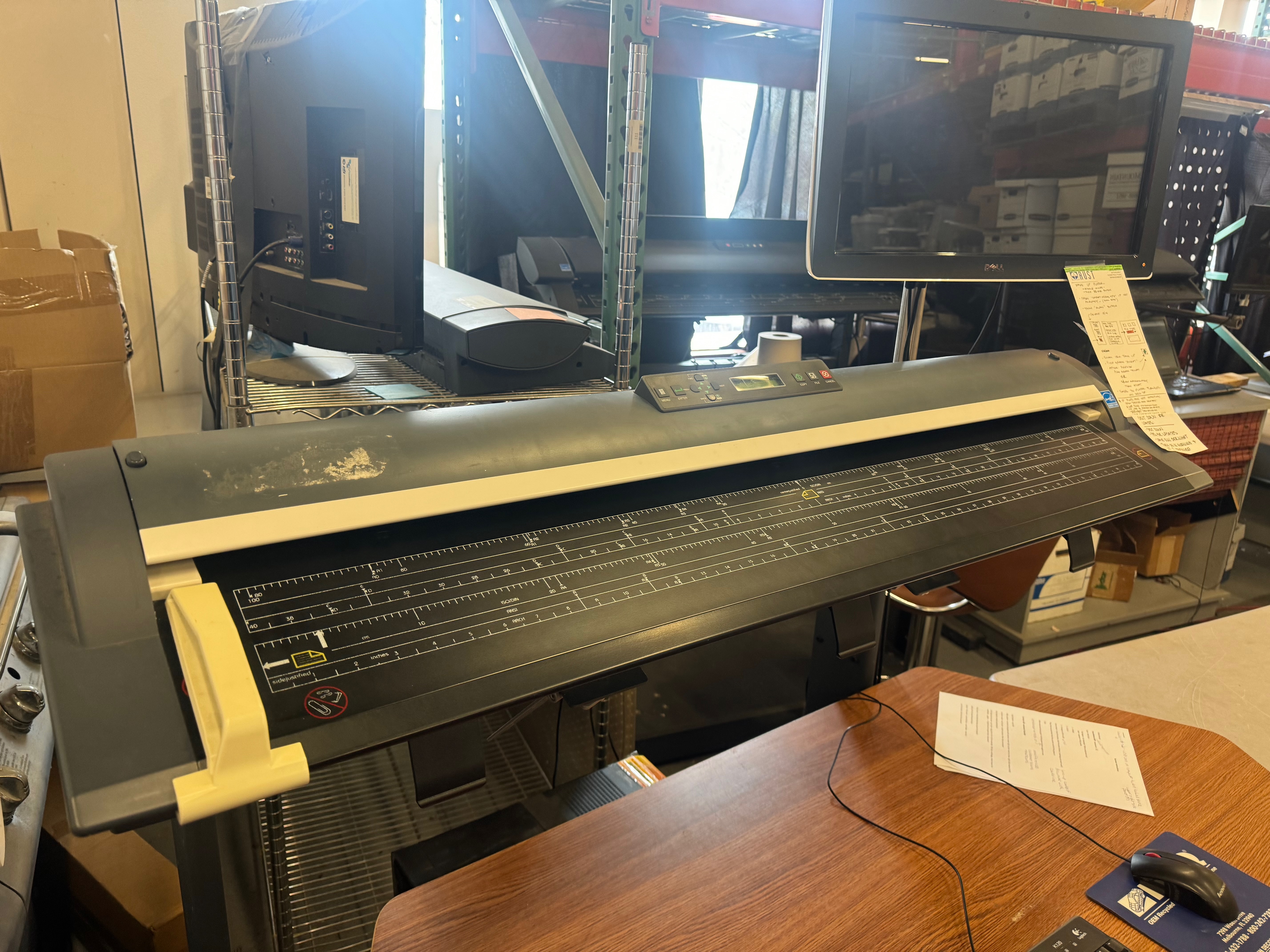
Blueprint scanners are specifically designed to digitize large-format documents such as blueprint plans, maps, and drawings. These scanners provide the capability to create precise digital images of blueprints in monochrome or full-color, which has revolutionized the way businesses handle and share large documents and data. By utilizing blueprint scanners, businesses in various industries can enhance their productivity and efficiency by eliminating the need for manual handling and storage of physical blueprints. In addition, document scanning services can also transform paper documents into instantly accessible information from anywhere. Blueprint scanners offer features such as high-resolution scanning, quick scanning speed, and compatibility with a range of software applications. They are an indispensable tool for architects, engineers, artists, and any industry that deals with large drawings.
The Importance of Choosing the Right Scanner
Choosing the right blueprint scanner is crucial to ensure optimal scanning results and efficiency in your workflow. Each business or industry has unique requirements when it comes to blueprint scanning. It’s important to consider your particular needs and workflow before selecting a scanner. The right scanner can help streamline your operations, improve collaboration, and save time and resources.
When choosing a blueprint scanner, consider factors such as the volume of documents you intend to scan, the frequency of scanning, and the type of documents you will be scanning. Additionally, assess the compatibility of the scanner with your existing software and systems. By selecting the right scanner, you can ensure that your blueprint scanning process is seamless, efficient, and meets your specific needs.
https://trustpilot.com/review/bycolortrac.com





Key Features to Look For in a Blueprint Scanner
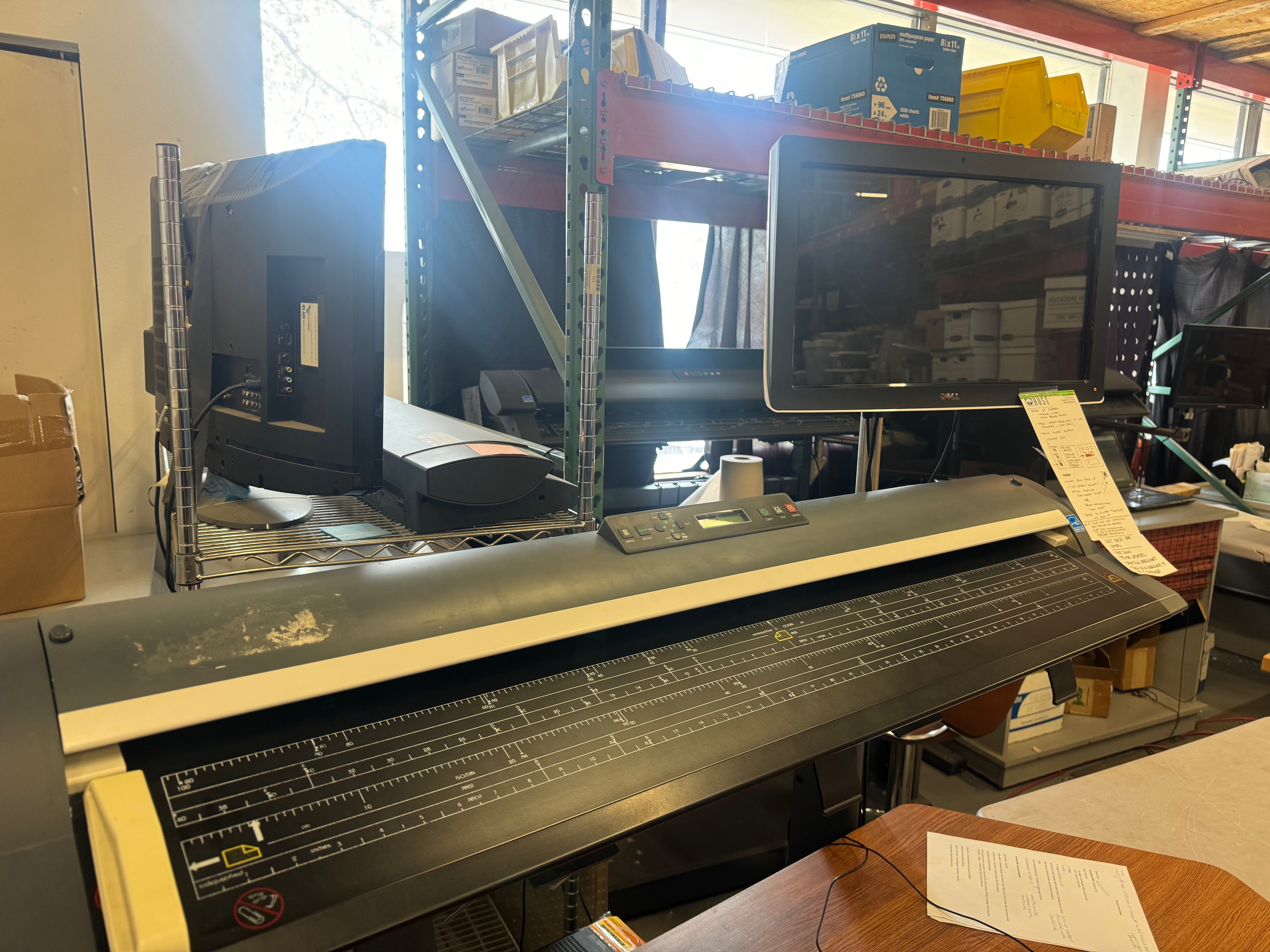
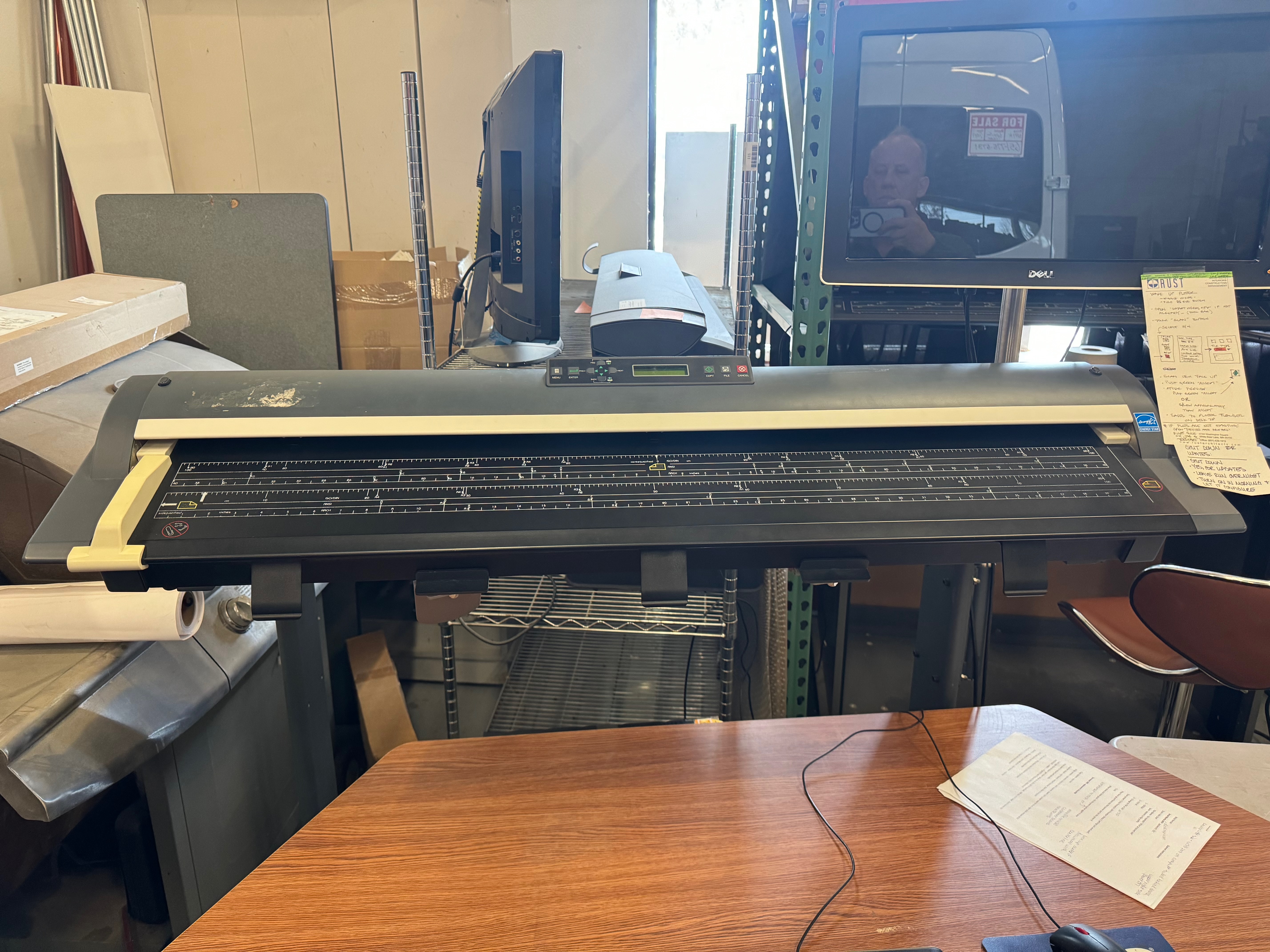
When selecting a blueprint scanner, there are several key features to consider. These features will ensure that you choose a scanner that meets your specific requirements and provides high-quality scanning. Here are some key features to look for in a blueprint scanner:
- Optical resolution: Look for a scanner with high optical resolution to ensure clear and detailed scans.
- Image sensor: The type of image sensor used in the scanner can affect the quality of the scans. CCD and CIS are two common types of image sensors.
- Scanner speed: Consider the scanning speed of the scanner, as a faster speed can significantly improve productivity.
- True resolution: The true resolution of the scanner determines the level of detail and clarity in the scanned images.
By considering these key features, you can choose a blueprint scanner that meets your scanning needs and provides high-quality, accurate scans.
https://www.onetrust.com/products/cookie-consent/

Types of Blueprint Scanners Available
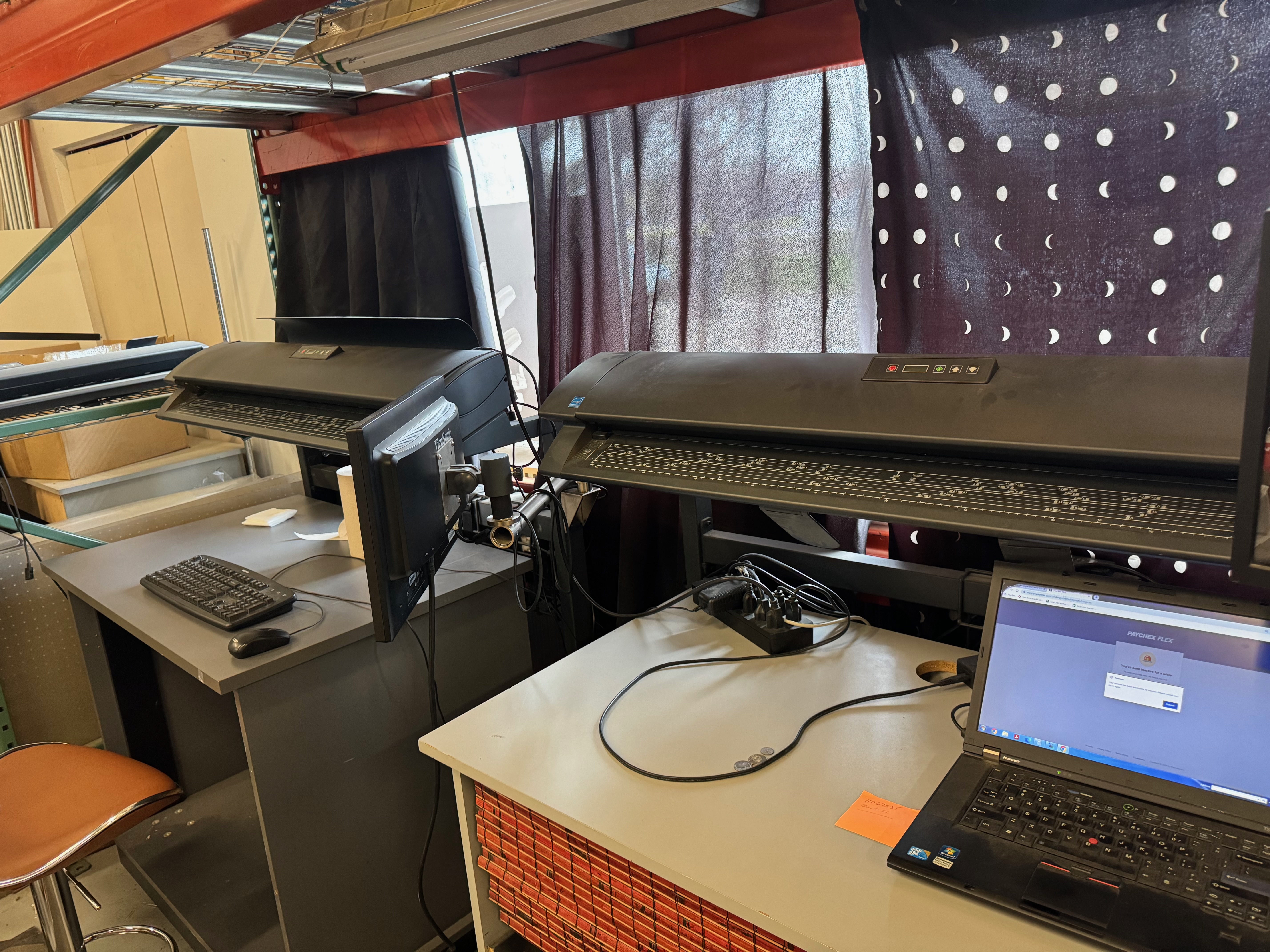
There are different types of blueprint scanners available on the market to cater to various needs and preferences. The two main types of blueprint scanners are standalone scanners and multifunction scanners.
Standalone scanners are dedicated scanning devices that are designed specifically for scanning blueprints and other large-format documents. They offer high-resolution scanning, fast scanning speed, and compatibility with a range of software applications.
Multifunction scanners, on the other hand, combine the functionality of a scanner, printer, and copier into one device. These scanners are suitable for businesses that require multiple functions in a single device, such as scanning blueprints and printing them out for clients. They offer versatility and convenience, but may have limitations in terms of scanning quality and speed compared to standalone scanners, making them a more affordable option for those who do not need high-end scanning capabilities on their PC.
Standalone vs. Multifunction Scanners
When choosing between standalone and multifunction scanners, it’s important to consider your specific workflow and requirements. Standalone scanners are dedicated scanning devices that offer high-quality scanning and fast scanning speed. They are ideal for businesses that primarily focus on scanning large-format documents such as blueprints and require professional scanning capabilities.
Multifunction scanners, on the other hand, offer the convenience of combining multiple functions such as scanning, printing, and copying in one device. They are suitable for businesses that require a range of functions in a single device and have limited space or budget.
Before making a decision, consider factors such as the volume of scanning, the need for high-resolution scanning, and the compatibility with your existing software and systems. Assess your workflow and choose the scanner that best meets your unique requirements.
Large Format Scanners for Detailed Blueprints
Large format scanners are specifically designed to handle oversized documents such as detailed blueprints, schematics, and other technical drawings. These scanners offer high-resolution scanning capabilities, allowing for accurate and precise reproductions of large format documents. Whether you are an architect, engineer, or designer, a large format scanner can greatly enhance the efficiency and quality of your work.
By utilizing a large format scanner, you can create digital copies of your detailed blueprints, eliminating the need for manual handling and storage of physical documents. Large format scanners offer high optical resolution, fast scanning speed, and compatibility with a variety of software applications. They are an essential tool for any business that deals with large format drawings and requires high-quality scanning capabilities. When it comes to scanning blueprints, it is important to choose the perfect scanner based on features, resolution, speed, and compatibility. Our comprehensive guide will help you find the best wide format scanner for your specific needs.
Selecting the Best Scanner for Your Needs
Selecting the best scanner for your blueprint scanning needs requires careful consideration of various factors. It’s important to assess your scanning volume, scanning frequency, and specific requirements before making a decision. Consider factors such as the volume of documents you intend to scan, the frequency of scanning, and the specific features you require in a scanner. Additionally, compatibility with existing software and systems, as well as connectivity options such as USB, Ethernet, or Wi-Fi, should also be taken into account. By carefully evaluating these factors, you can choose a scanner that meets your needs and helps optimize your workflow.
Assessing Your Scanning Volume and Frequency
Before selecting a blueprint scanner, it’s important to assess the volume of documents you intend to scan and the frequency of scanning. This will help determine the scanning capabilities and features you require in a scanner.
For businesses that have a high volume of documents to scan on a regular basis, a scanner with fast scanning speed and high-capacity document handling capabilities would be ideal. On the other hand, if your scanning needs are less frequent or involve smaller volumes of documents, a scanner with lower scanning speed and smaller document handling capabilities may be sufficient. Additionally, with the option to scan direct to email or the Cloud, and the ability to scan to USB or internal memory for download later, this all-in-one scanning solution offers flexibility and convenience for any scanning volume or frequency.
By accurately assessing your scanning volume and frequency, you can select a scanner that meets your specific needs and optimizes your scanning workflow.
Compatibility with Existing Software and Systems
When choosing a blueprint scanner, it’s important to consider the compatibility of the scanner with your existing software and systems. This ensures seamless integration and efficient workflow.
Check if the scanner is compatible with the operating system used in your organization. Additionally, consider if the scanner supports industry-standard file formats such as PDF, TIFF, and JPEG. Compatibility with scanning software and other software applications that you use is also crucial.
By selecting a scanner that is compatible with your existing software and systems, you can avoid compatibility issues and ensure smooth operation. This will save you time and effort in the long run and enable you to make the most of your blueprint scanning capabilities.
Cost-Effective Scanning Solutions
Cost-effective scanning solutions are essential for businesses that want to optimize their blueprint scanning processes without breaking the bank. By choosing affordable blueprint scanner solutions, businesses can benefit from high-quality scanning capabilities and improved efficiency without compromising on cost.
Cost-effective scanning solutions for small businesses include options such as affordable standalone scanners that offer professional scanning capabilities at a lower price point. These scanners are ideal for businesses with low to medium scanning volume and can deliver accurate and high-quality scans.
Technical support and warranty options are also important considerations when choosing cost-effective scanning solutions. Ensure that the scanner provider offers reliable technical support and warranty coverage to minimize downtime and ensure the longevity of your scanner.
Affordable Options for Small Businesses
Small businesses often have budget constraints when it comes to purchasing equipment such as blueprint scanners. However, there are affordable options available that can meet their scanning needs without compromising on quality.
Affordable standalone scanners are a great option for small businesses. These scanners offer professional scanning capabilities at a lower price point, making them ideal for businesses with low to medium scanning volume. They provide high-resolution scanning, fast scanning speed, and compatibility with various software applications.
In addition to affordable scanners, small businesses can also benefit from cost-effective technical support options. Look for scanner providers that offer reliable technical support and warranty coverage to ensure the smooth operation of your scanner and minimize downtime.
Renting vs. Purchasing: What’s Best for You?
When deciding between renting and purchasing a blueprint scanner, it’s important to consider your specific needs and budget. Renting a scanner can be a cost-effective option for businesses that have short-term scanning projects or occasional scanning needs. It allows you to access high-quality scanning capabilities without the upfront cost of purchasing a scanner.
On the other hand, purchasing a scanner may be more suitable for businesses with long-term scanning needs or high scanning volumes. It provides the convenience of having a scanner available at all times and allows for customization based on your specific requirements.
Here is a comparison between renting and purchasing a blueprint scanner:
Rental | Purchase |
Cost-effective for short-term projects | Long-term investment |
Access to high-quality scanning capabilities | Ownership of the scanner |
No upfront cost | Upfront cost |
Limited customization options | Customization based on needs |
No long-term commitment | Long-term commitment |
Consider your budget, scanning needs, and future requirements to determine whether renting or purchasing is the best option for your business.
Implementing Your Blueprint Scanner
Implementing your blueprint scanner involves setting up, installing, and training your team to use the scanner effectively. Proper setup and installation ensure that your scanner functions optimally and meets your scanning requirements.
Technical drawings or user manuals provided by the scanner manufacturer can guide you through the setup and installation process. It’s important to follow the instructions carefully to avoid any issues.
Training your team on how to use the scanner efficiently is also crucial. Provide them with user manuals and offer additional training or support if needed. This will ensure that your team can make the most of the scanner’s capabilities and optimize your blueprint scanning workflow.
Setup and Installation Tips
Proper setup and installation are essential for the optimal functioning of your blueprint scanner. Follow these tips to ensure a smooth setup and installation process:
- Read the technical drawings or user manuals provided by the scanner manufacturer thoroughly before starting the setup and installation process.
- Ensure that you have all the necessary tools and equipment for the installation, including the appropriate cables and connectors.
- Choose a suitable location for the scanner that provides sufficient space and good ventilation.
- Carefully connect the scanner to your computer or network according to the manufacturer’s instructions.
- Install the necessary software and drivers for the scanner on your computer.
- Perform a test scan to ensure that the scanner is functioning properly.
- If you encounter any issues during the setup and installation process, refer to the troubleshooting section of the user manual or contact the scanner manufacturer for assistance.
By following these tips, you can set up and install your blueprint scanner with ease, ensuring optimal performance and efficient scanning.
Training Your Team for Optimal Use
Proper training is essential to ensure that your team can make the most of your blueprint scanner and optimize your scanning workflow. Here are some tips for training your team:
- Provide your team with user manuals or technical documents provided by the scanner manufacturer. These resources will guide them through the operation of the scanner and its various features.
- Offer hands-on training sessions where your team can practice using the scanner and familiarize themselves with its functionalities.
- Provide ongoing support and guidance to address any questions or issues that may arise during the scanning process.
- Encourage your team to explore the software features and settings of the scanner to understand how to adjust the scanning parameters for optimal results.
- Consider hosting regular training sessions or refreshers to ensure that your team stays up to date with the latest scanner features and techniques.
By providing comprehensive training and ongoing support, you can ensure that your team is equipped to use the blueprint scanner effectively and efficiently.
Maintaining Your Scanner for Longevity
Proper maintenance of your blueprint scanner is crucial to ensure its longevity and optimal performance. Regular maintenance helps prevent issues and ensures that your scanner continues to deliver high-quality scans. Here are some tips for maintaining your scanner:
- Perform regular cleaning of the scanner glass and document feeder to remove dust, dirt, and debris.
- Check the scanner’s firmware and software for updates and install them as necessary.
- Keep the scanner in a clean and dust-free environment to prevent damage to sensitive components.
- Follow the manufacturer’s recommendations for periodic maintenance and servicing.
- If you encounter any issues or malfunctions, refer to the troubleshooting section of the user manual or contact the scanner manufacturer for assistance.
By following these maintenance tips, you can prolong the lifespan of your blueprint scanner and ensure that it continues to perform optimally.
Regular Maintenance Tips
Regular maintenance is crucial to ensure the longevity and optimal performance of your blueprint scanner. Here are some regular maintenance tips to follow:
- Clean the scanner glass and document feeder regularly to remove dust, dirt, and debris. Use a soft, lint-free cloth and a non-abrasive cleaning solution recommended by the scanner manufacturer.
- Check the scanner’s firmware and software regularly for updates. Install updates as recommended by the manufacturer to ensure that your scanner is running on the latest software version.
- Keep the scanner in a clean and dust-free environment. Regularly dust the scanner and its surroundings to prevent dust from entering sensitive components.
- Follow the manufacturer’s guidelines for periodic maintenance and servicing. This may include tasks such as lubricating moving parts or cleaning internal components.
- If you encounter any issues or malfunctions, refer to the troubleshooting section of the user manual or contact the scanner manufacturer for assistance.
By following these regular maintenance tips, you can ensure that your blueprint scanner remains in optimal condition and continues to deliver high-quality scans. Troubleshooting Common Issues
Even with proper maintenance, blueprint scanners can sometimes encounter issues or malfunctions. Here are some common issues that you may encounter with your blueprint scanner and possible solutions:
Scanner not powering on: Ensure that the power cable is securely connected to both the blueprint scanner and the power source. Check that the power source is functioning properly.
Paper jams: Open the blueprint scanner and carefully remove any jammed paper. Ensure that the paper is properly aligned and not wrinkled or folded before scanning.
Image quality issues: Clean the blueprint scanner glass and document feeder to remove dust or debris that may be affecting the scan quality. Adjust the blueprint scanner settings to optimize the image quality.
Connectivity issues: Check the connections between the blueprint scanner and the computer or network. Ensure that the cables are securely connected and that the correct drivers are installed.
- Error messages: Refer to the blueprint scanner’s user manual or contact the manufacturer for specific error messages and troubleshooting steps.
If you are unable to resolve the issue on your own, contact the scanner manufacturer’s technical support for further assistance.
Conclusion
Affordable blueprint scanner solutions offer efficiency and cost-effectiveness for businesses. Choosing the right scanner with key features tailored to your needs is crucial. Whether opting for standalone or multifunction scanners, ensure compatibility with existing systems. Consider scanning volume, frequency, and budget-friendly options suitable for small businesses. Maintenance and troubleshooting tips enhance scanner longevity. Implementing proper setup, training, and security measures Guarantees optimal blue print scanner performance. Address FAQs like scanning multiple blueprints at once and ensuring clear scans. Invest in a reliable blue print scanner to streamline operations and boost productivity. Can I scan multiple blueprints at once? Yes, some blue print scanners support batch processing, allowing you to scan multiple blueprints at once. However, the scanning speed and the size of the scanner’s document feeder may affect the efficiency of batch scanning. Consider the blue print scanner’s specifications and capabilities before attempting to scan multiple blueprints simultaneously. What resolution do I need for clear blueprint scans? The resolution required for clear blueprint scans depends on the level of detail you need. Higher optical resolutions, such as 600 DPI or above, are generally recommended for clear and detailed blueprint scans. However, consider the specific requirements of your project and the capabilities of your blue print scanner. How can I ensure my scanned blueprints are secure? To ensure the security of scanned blueprints, consider implementing measures such as encryption for digital copies, secure storage systems, access control policies, and restricted user access. Consult with IT professionals or follow best practices for data security to protect your scanned blueprints.